
The fastest way to check your pizza order status is to open the Hellcrustpizza app, tap "Orders," and select your active order. You will see a live status update and, for delivery orders, a map showing your driver's progress. If you placed your order without the app, open the tracking link sent to you by SMS or email. No link? Call the store directly with your order number and a team member can tell you exactly where things stand.
Here is a quick summary of every method available to you:
- Hellcrustpizza app (fastest): open the app, go to Orders, tap the active order for live status and GPS map.
- SMS or email tracking link: tap the short link sent at the time of order to open a lightweight web tracker showing your current status.
- Account order page: log in on the website and navigate to your order history for a status update.
- Phone: call the store with your order number for a direct, human answer.
Real-time pizza order tracking is now a standard expectation, and restaurants are actively investing in better tracking experiences to reduce customer anxiety and unnecessary calls. Location data used during tracking in Canada falls under PIPEDA, Canada's federal privacy framework, which means apps must obtain your consent before collecting it.
Key takeaways
The fastest way to resolve any pizza order tracking issue is to open the app first and call the store second, with your order number ready.
| Point | Details |
|---|---|
| Fastest tracking method | Open the Hellcrustpizza app, go to Orders, and tap your active order for live GPS status. |
| SMS link as fallback | The short link in your confirmation text opens a web tracker with the same status stages as the app. |
| Frozen tracker fix | Refresh, toggle your connection, force-close the app, and check for updates before calling the store. |
| Escalation step | Call the store with your order number; state the issue clearly and request a specific remedy (redelivery or refund). |
| Hellcrustpizza app | Provides live GPS tracking, push notifications, in-app support, and exclusive deals in one place. |
Table of Contents
- How do pizza trackers work, and what does each status mean?
- How to track a delivery order step by step
- How to track a pickup order and reduce your wait time
- Tracker not updating or map frozen? Try these fixes first
- What to do when your order is late, missing, or wrong
- Privacy and location permissions in Canada: what you are actually agreeing to
- Canada context: delivery time guarantees and what they actually mean
- Practical tips to get more accurate tracking and fewer delays
- The Hellcrustpizza app gives you the clearest tracking experience
- Useful help pages and resources
- Why transparent tracking matters: a note from Hellcrustpizza
- Sources
How do pizza trackers work, and what does each status mean?
Most pizza trackers use a phased status system. According to industry reporting, the typical stages run in this order:
- Order placed / confirmed: the store has received your order and payment.
- In prep / in oven: your pizza is actively being made.
- Out for delivery: the driver has left the store with your order.
- You're next: the driver is approaching your neighbourhood.
- Delivered / completed: the order has been marked as delivered.
Two distinct systems often run in parallel: store-side status updates (manually or automatically triggered by staff) and live GPS driver tracking. Either can lag for different reasons. A store-side status may update slowly if staff are busy; a GPS map may freeze if the driver's phone loses signal or has location services toggled off.
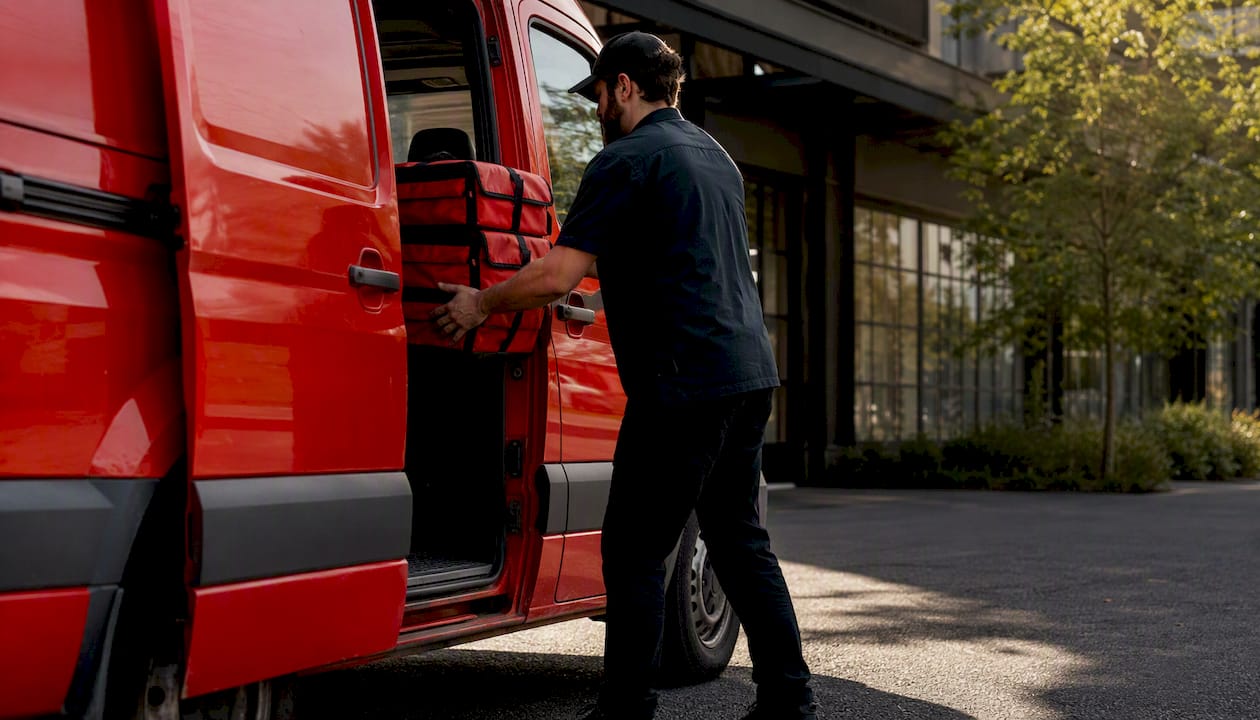
"Out for delivery" is the stage most likely to cause confusion. As industry analysis notes, a driver may have multiple stops before reaching your address, so the ETA shown is an estimate based on route optimisation, not a firm promise. If your tracker shows "out for delivery" and 20 minutes have passed beyond the original ETA, that is a reasonable moment to check in.
How to track a delivery order step by step
The clearest status always comes from the app. Here is the fastest route:
- Open the Hellcrustpizza app and sign in if prompted.
- Tap "Orders" in the bottom navigation.
- Select your active order from the list.
- On the order screen, you will see a status label, an estimated arrival time, and a live map showing the driver's current position.
- If the map is not visible, your order may still be in the prep stage; the map typically appears once the driver picks up the order.
If you do not have the app, SMS short links are a reliable fallback. The link opens a lightweight web tracker showing the same status stages: Placed, In oven, Out for delivery, You're next, and Delivered. You can also log into your account on the Hellcrustpizza website and check your order history for a current status.
Pro Tip: Enable push notifications and location services on your phone before the driver departs. This allows the app to show the driver's live position and send you a "You're next" alert when they are close. You only need location active during the delivery window; you can turn it off once the order arrives.
How to track a pickup order and reduce your wait time
Pickup tracking is simpler, but a few steps keep things smooth:
- Open the app or check your SMS/email confirmation for an estimated ready time.
- Watch for a "Ready for pickup" notification via push alert or SMS.
- Arrive at the store and have your order number ready on your phone screen.
- Head to the pickup counter or curbside window, whichever the confirmation specifies.
If the kitchen is running behind, the app status will remain in "In prep" longer than the original estimate. This happens most often during peak hours on Friday and Saturday evenings. Arriving five minutes after the estimated ready time, rather than right at it, usually means your order is waiting for you rather than the other way around. For larger group orders, our family-sized pizza ordering guide has additional tips on timing and what to confirm before you leave home.
Tracker not updating or map frozen? Try these fixes first
A frozen tracker is almost always a connectivity or app-refresh issue, not a sign that something is wrong with your order. Work through this checklist before calling the store:
- Refresh the page or app: pull down on the order screen to force a refresh.
- Toggle your connection: switch between Wi-Fi and mobile data, or turn airplane mode on and off briefly.
- Force-close and reopen the app: on iOS, swipe up from the app switcher; on Android, use the recent apps button and swipe the app away.
- Confirm the SMS link opens in a browser: some phones open short links in a preview pane that does not auto-refresh; tap "Open in browser" if that option appears.
- Check for app updates: outdated app versions sometimes lose tracker connectivity. On Android, check Google Play for pending updates; on iOS, check the App Store.
- Restart your phone: a full restart clears most temporary network and cache issues.
If the tracker is still frozen after five minutes and your estimated delivery time has passed, call the store. A map that stops moving mid-route usually means the driver's device has lost signal temporarily, which resolves on its own in most cases. Waiting ten minutes past the ETA before calling is a reasonable threshold.
What to do when your order is late, missing, or wrong
Stay calm, stay specific, and work through this flow:
- Confirm the current status in the app or via the SMS link before calling. If the status shows "Delivered" but you have not received anything, note the exact time shown.
- Call the store with your order number ready. Give the number immediately; it speeds up every conversation.
- State the issue clearly. Try: "My order number is [X]. It was marked delivered at [time] but I have not received it. Can you check the driver's last location?"
- Request a remedy directly. For a missing order: "I would like a redelivery or a full refund, please." For a wrong item: "One item is incorrect. Can you send the right one, or credit my account?"
- Ask for a manager if the first team member cannot resolve it. Most issues are resolved at this stage.
- Use in-app support or social channels as a last step if the store is unreachable.
Reasonable remedies include redelivery within a realistic window (typically 30–45 minutes), a replacement for a single wrong item, or a full refund for a missing or significantly incorrect order. Policies vary by location, so asking clearly and politely is the most effective approach.
Privacy and location permissions in Canada: what you are actually agreeing to
Enabling location access in the Hellcrustpizza app allows it to show the driver's position relative to your address and refine your ETA. It does not mean the app tracks your location continuously in the background unless you have granted "always on" permission, which is a separate, explicit setting.
As Google's privacy documentation explains, apps request location data and users retain control over when and how it is shared. Here is how to manage those settings:
- Android: go to Settings > Apps > Hellcrustpizza > Permissions > Location. Choose "Only while using the app" for delivery sessions. Android's permission model requires apps to request background location separately, so "while using" is sufficient for tracking.
- iOS: go to Settings > Hellcrustpizza > Location. Set to "While Using the App." Also enable Notifications here for push alerts.
Under PIPEDA, Canadian apps must obtain meaningful consent before collecting personal data, including location. Review the Hellcrustpizza privacy policy for specifics on what is collected and how long it is retained. If you prefer not to share location at all, SMS tracking still works without it.
Canada context: delivery time guarantees and what they actually mean
The "40 minutes or free" promise is a legacy marketing claim. Some chains used it in specific markets during earlier decades, but it is not a universal Canadian standard and many locations have discontinued it entirely. No federal or provincial regulation mandates a specific delivery window for pizza.
- What "40 minutes" usually means today: an internal target some stores use, not a contractual guarantee.
- What "2 hours" refers to: the maximum scheduling window for advance or group orders, not a standard delivery ETA.
- Why times vary: store routing, driver availability, order volume, and weather all affect delivery time. A Friday evening order in a dense urban neighbourhood will almost always take longer than a Tuesday afternoon order.
Check your order confirmation screen or the app's terms for any explicit timing commitment tied to your specific order. If a guarantee was shown at checkout, that is the one that applies.
Practical tips to get more accurate tracking and fewer delays
Small habits make a real difference in how smoothly your order arrives and how clearly you can track it.
- Save your full address with delivery notes: include buzzer codes, unit numbers, and any gate instructions. Drivers who cannot access your building are a leading cause of "delivered" statuses that feel wrong.
- Verify your phone number on the account: SMS tracking links and driver contact calls go to the number on file.
- Enable notifications before you order: push alerts for status changes arrive faster than manually refreshing the app.
- Order during off-peak windows: mid-week evenings and early weekend afternoons typically have shorter prep and delivery times than Friday and Saturday nights.
- Use curbside or pickup window options when available; they eliminate address-finding delays entirely.
Pro Tip: If you are ordering for a group or a large family meal, add a note in the delivery instructions field with a contact name and a secondary phone number. For tips on building a smooth group order, our group pizza order guide walks through the full process.
The Hellcrustpizza app gives you the clearest tracking experience
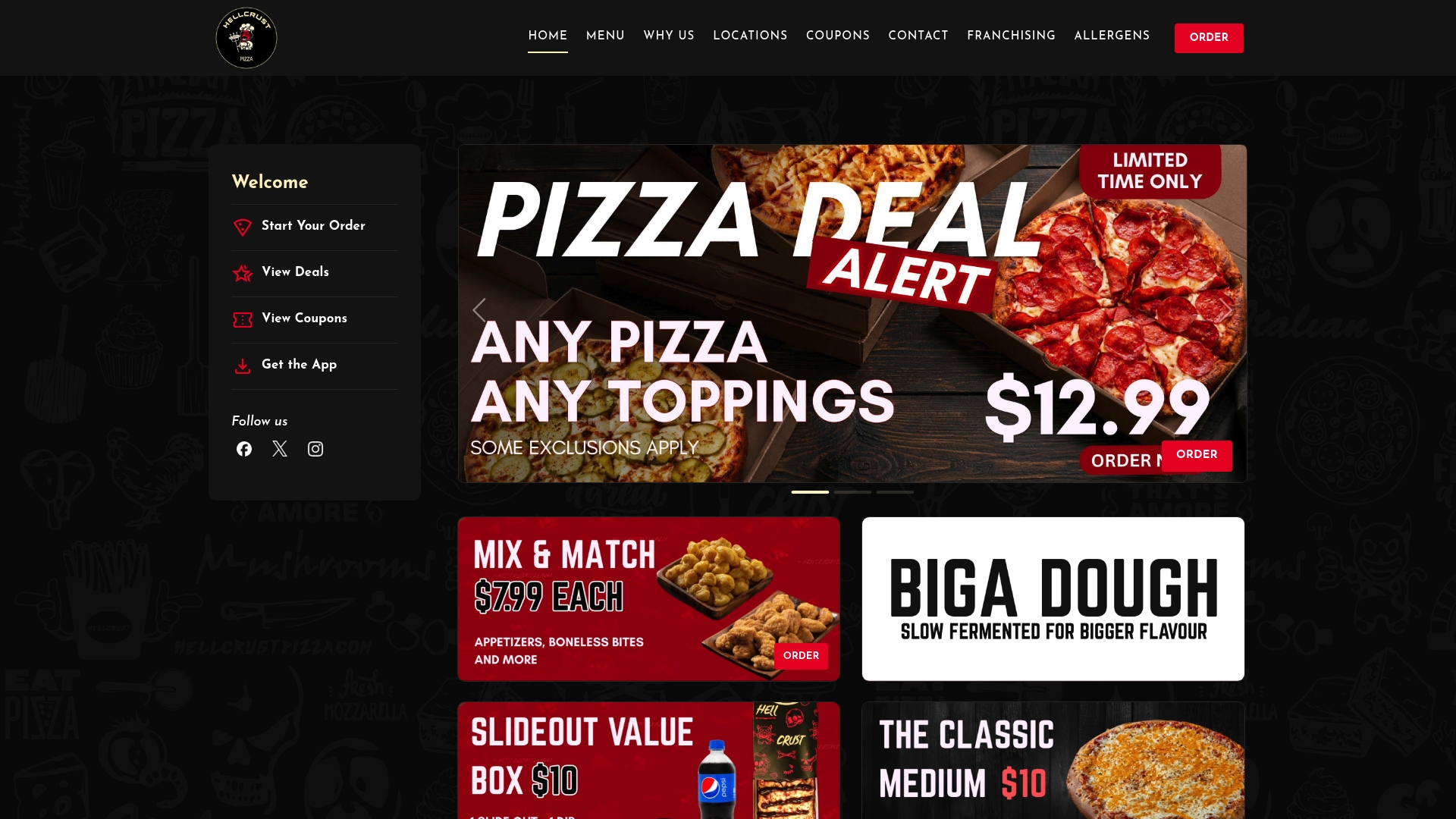
The Hellcrustpizza app is built around the idea that you should never have to wonder where your order is. From the moment you place your order, the app shows you a live status, a GPS map once the driver is on the way, and push notifications at every key stage. If something looks off, in-app support connects you directly to the store without a phone call.
Beyond tracking, the app gives you access to exclusive deals, saved addresses, and order history, so reordering your favourites takes seconds. App users also get first access to Mix & Match specials and family-sized deals that are not always visible on the web. For anyone who wants the full picture on their delivery, from the first "order confirmed" to the knock at the door, the app is the right place to be. Order through Hellcrustpizza today and see your order status in real time from the first tap.
Useful help pages and resources
- Hellcrustpizza — app download, menu, and privacy policy for Canadian customers.
- Order Tracking by Pizza Planet — a clear explainer of the typical tracker status stages and how SMS short-link tracking works.
- Is your pizza tracker telling the truth? (PMQ) — industry analysis of GPS tracker accuracy and what "out for delivery" really means.
- Developer — technical reference for how Android manages app location access.
- Google Privacy Policy — explains how apps request and handle location data and what controls you have.
- Fix problems with apps on Google Play — step-by-step guide for updating or troubleshooting apps on Android devices.
Why transparent tracking matters: a note from Hellcrustpizza
We believe that placing an order should feel like the beginning of something good, not the start of an anxious wait. At Hellcrustpizza, clear order updates are not an afterthought; they are part of the promise we make every time you choose us. Our app is designed to give you honest, real-time information at every stage, from the moment your order is confirmed to the moment it reaches your door. When something goes wrong, which is rare but real, we want you to have a direct path to a fast resolution, whether that is through in-app support or a straightforward call to the store. Crafted food deserves a crafted experience, and that includes knowing exactly where your meal is.
Sources
- Is your pizza tracker telling the truth? | PMQ
- Order Tracking by Pizza Planet
- Privacy & Terms – Google
- The Role of Online Food Ordering for Restaurants and Customers – Wild Foodz by Hotel Entree Brugge
- Android developer