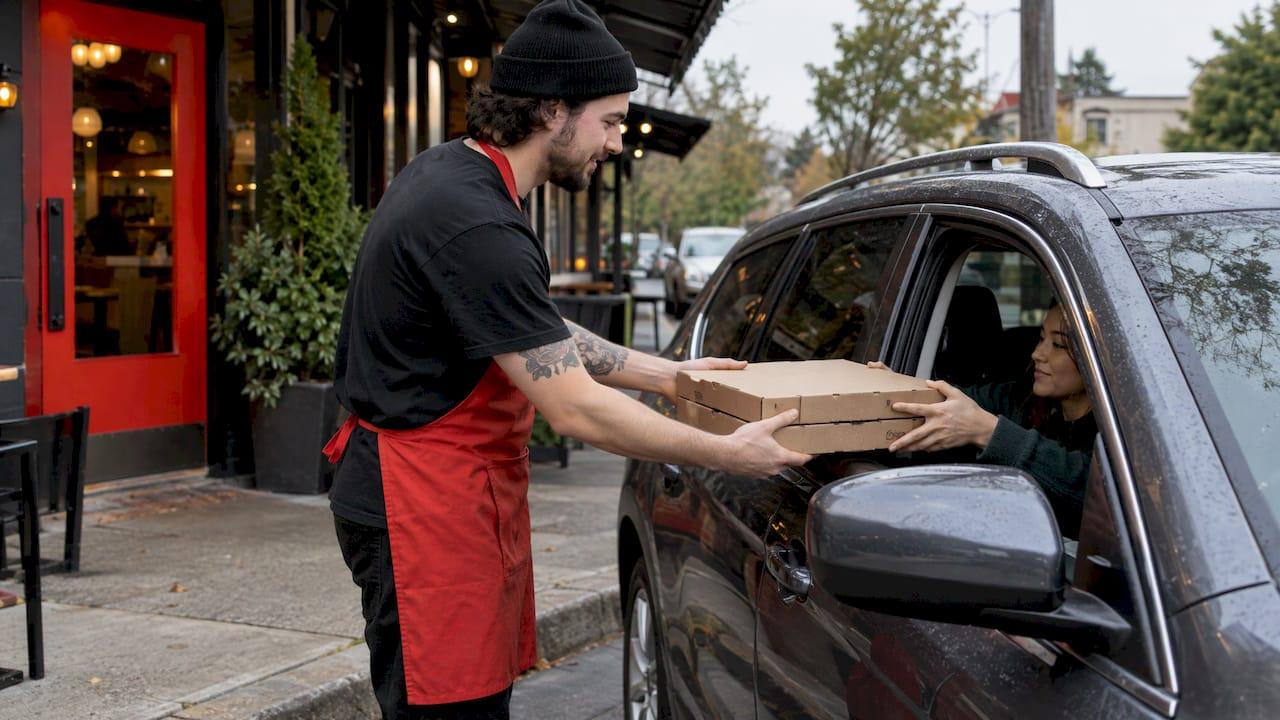
What makes a pickup feel effortless? It comes down to a few small habits: order in the app, keep your confirmation handy, park where you're told, stay in the car and check the bag before you drive away. Do those five things and a hot pizza goes from our counter to your back seat with almost no waiting and no fuss.
This guide walks through each step in the order you'll meet it, from the moment you place the order to the moment you check the box. It also covers the phone setting that makes the whole routine smoother: app notifications, so you hear about your order status and our app-exclusive offers.
TL;DR
- Order ahead in the app and keep your order confirmation open: it holds the order number and the contact details you'll need on arrival.
- Park in the spot your location points you to, stay in your vehicle, and have your order number ready before anyone asks for it.
- Check every item before you leave, while you're still at the curb. Fixing a mistake takes seconds then and far longer from home.
- Switch on notifications in your phone settings and again inside the app, so order updates and deals reach you.
- Pickup for a family, a group or a kids' birthday goes best with a plan: one driver, one clear order name, and sides counted before you leave.
Table of Contents
- What contactless pickup means for a pizza order
- Before you leave: a five-minute routine
- At the curb: step by step
- Curbside etiquette that keeps everyone happy
- Turn on app notifications so you never miss an update
- When something is off at pickup
- Pickup for families, groups and birthday parties
- Our pizza, ready when you are
- Our view: good pizza deserves a good handoff
- FAQ
- Sources
What contactless pickup means for a pizza order
Contactless pickup, often called curbside pickup, simply means you order and pay ahead on your phone, drive to the restaurant, and receive your food without queuing at the counter or handling payment there. In general, curbside pickup can mean ordering online or by mobile, driving to the store, and having staff bring the order out to your vehicle, and the exact process varies from store to store.
That last part matters. The method of handoff is set by each location, so your order confirmation is your first source of truth. Read it before you leave the house. If it names a pickup area, a phone number or a way of identifying your order, those details override anything general you read online, including here.
For most people we cook for, the appeal is plain:
- Families skip bringing tired kids into a busy lobby.
- Young professionals collect dinner on the drive home in a couple of minutes.
- Students avoid delivery charges when the budget is tight. Our guide to saving $4 to $8 by choosing pickup over delivery shows how the maths works for a family.
- Couples planning a casual date night can pick up on the way and eat at home, warm and unhurried.
Before you leave: a five-minute routine
Most pickup problems are decided before the car starts. A short routine takes care of nearly all of them.
1. Build the order the way you want to eat it
Our menu lets you create your own pizza, choose from signature pizzas or go with vegan pizzas, and add baked pasta, appetizers, wings and bites, dips, desserts and beverages. Our dough is a Biga multigrain, artificial additive-free dough, prepared in advance, so there is a lot to choose from and it's worth taking a minute over. If you have a preference for how a pizza arrives, such as sauce kept separate, our guide to ordering sauce on the side shows how to say it clearly so it's on the ticket and not left to memory.
2. Check the price before you pay
App checkouts can add lines you didn't expect. Before you tap pay, read the total. Our app ordering tips for Canadians explain how to catch fees before you pay, which is the sort of thing worth knowing whichever way you collect.
3. Save the confirmation where you can find it
Leave the confirmation screen or email easy to reach. It carries the order number, and an order number said clearly at the window is the fastest way to be matched with your bag.
4. Work out your timing
Pick a pickup time that fits your drive, not your hopes. Arriving a few minutes after the pizza is ready is better than arriving long before and waiting with a cooling box on the counter. If you want to plan around a specific hour, what really controls arrival time is explained in our scheduling guide, and the same logic applies to choosing a pickup slot.
5. Charge your phone
Your phone is your ticket, your map and your phone line to the store. A near-flat battery is the most avoidable reason for a stalled pickup.
At the curb: step by step
Curbside services publish very clear steps, and they are a good model for any pickup. One Canadian curbside pickup service tells customers to park in the designated curbside area, call the number in the order confirmation, have the order number ready, wait in the vehicle, and make sure all items have been received before leaving. That is sound practice for a pizza order too, adapted to what your location tells you.
- Park in the area you were directed to. Pull in properly, not in a lane or in front of a doorway. It helps staff find you and keeps the lot moving for the next customer.
- Get in touch the way your confirmation says. If it lists a number to call or a message to send, use that rather than walking in. Say your name and your order number first, then the make and colour of your car if asked.
- Stay in your vehicle. Waiting in the car is what makes the handoff contactless. Keep the window or the boot ready, since the order may be handed to you or placed in the back.
- Take the bag and say thank you. A quick thanks goes a long way for the person who ran it out.
- Check before you go. Open the bag at the curb. Count the boxes against your order and look for the sides, dips and drinks, which are the items that most often slip out of a bag.
If your pickup is set up differently, with a counter or a shelf, follow the same principles: identify the order, take only your own, and confirm it's complete before you walk away.
A note on non-pizza pickups
The same ideas apply to any contactless collection. If you want to see how a different kind of pickup spells out its steps, this guide to a contactless pickup procedure lays out what a customer needs to have ready before the handoff.
Curbside etiquette that keeps everyone happy
None of this is complicated, but it makes the handoff pleasant for you and for the team.
- Be ready to be identified. Have your order number said and visible, so the person bringing your order doesn't have to guess.
- Don't arrive far too early. Showing up well ahead of the pickup time means the order isn't made yet. Arriving on time lets the pizza come out of the oven close to when you do.
- Keep your engine and music low. Staff often come to the car window. A quiet car makes it easy to hear each other.
- Let the person pick the handoff spot. If they ask you to open the boot or the back door, do so. It keeps the exchange hands-free.
- Don't block others. If you must wait longer, stay in the marked spot so other drivers can come and go.
- Be kind if the wait stretches. A busy Friday evening is a busy Friday evening. A friendly message gets a quicker answer than a frustrated one.
- Keep your distance without being cold. Contactless doesn't mean wordless. A wave and a thank you are part of it.
If you also want the delivery equivalent of these manners, our piece on one clear drop-off rule for contactless delivery etiquette covers it, and ordering pizza without a car is there for the days you'd rather not drive at all.
Turn on app notifications so you never miss an update
Notifications are the quiet helper in a pickup routine. They tell you when an order is confirmed and ready, and they let our app-exclusive offers reach you. They take two steps: allow them on your phone, then choose what you want inside the app.
On your phone
The exact path depends on your device. As an example of how it works, one Canadian app's help page explains that on Android you open Settings, then Apps, then the app, then Notifications, while on iOS you open Settings, then Notifications, then the app. The same route works for our app: find it in the list and switch notifications on.
Inside the app
Phone permission is only half of it. Another Canadian help page explains that you enable notifications in your phone settings and then pick the notification categories inside the app. Look for categories covering order updates and offers, and turn on the ones you want. If you only want pickup updates, keep order alerts on and trim the rest. If you like a deal, keep offers on too.
Quick checks if nothing arrives
- Confirm the phone isn't in a silent or focus mode that hides alerts.
- Check that battery-saving settings aren't restricting the app in the background.
- Open the app once after changing settings so it registers your choice.
If you'd like to follow an order from the oven to your hands, how to see your pizza order status has the details.
When something is off at pickup
Most orders go right. When one doesn't, the fix is easiest while you're still there.
A missing item. Check the bag at the curb. If a side or a drink is missing, tell the team right then with your order number. It's a quick correction when you haven't left the lot.
A wrong pizza. Compare the box against your confirmation. If you chose a vegan pizza, or a particular set of toppings, say so plainly and show the confirmation on your phone.
A longer wait than expected. Use the contact method in your confirmation and give your order number. A short, friendly message is the fastest route to an update.
A mistake you notice at home. Contact the location using the details on your confirmation as soon as you can, with your order number and a clear description. The sooner you do, the easier it is to put right.
One habit prevents most of this: say your order number at the start and look inside the bag before the engine starts.

Pickup for families, groups and birthday parties
A bigger order needs a bit more planning, and the plan is mostly about the car and the count.
Count before you go. Write the number of pizzas, pastas and sides on your phone and tick them off at the curb. Our family-sized pizza ordering checklist helps you decide quantities so you don't over or under order.
Plan the menu around the crowd. For a kids' party, a mix of familiar pizzas, a vegan option and a few sides covers most tables. Our pizza party menu ideas suggest two to three sides and packs for casual, kids and adult groups.
Prepare the car. Clear a flat space on the back seat or in the boot. Boxes stacked level travel better than boxes jammed on the floor.

Send one driver and one point of contact. Put one name on the order and one person at the curb. It avoids duplicate calls and confusion.
Think about the week. If pizza is part of your regular routine, using pizza delivery in a weekly meal plan shows how to keep it balanced.
| Situation | What to do | Why it helps |
|---|---|---|
| Weeknight dinner for two | Order in the app, collect on the way home | No queue, food ready when you arrive |
| Family of four | Check the bag for every box and side at the curb | Mistakes are fixed on the spot |
| Kids' birthday | One driver, one order name, count items against the list | Fewer mix-ups with a large order |
| Student budget | Choose pickup and read the total before paying | Avoids extra charges |
Our pizza, ready when you are
When you order from us in the app, you get access to app-exclusive offers, plus the full menu: create your own pizza, signature pizzas, vegan pizzas, baked pasta, wings and bites, dips, desserts and drinks, all made on our Biga multigrain, artificial additive-free dough. Our Mix & Match options and family-sized specials are designed for families and groups who want variety without overspending. Open the menu to build your next order.
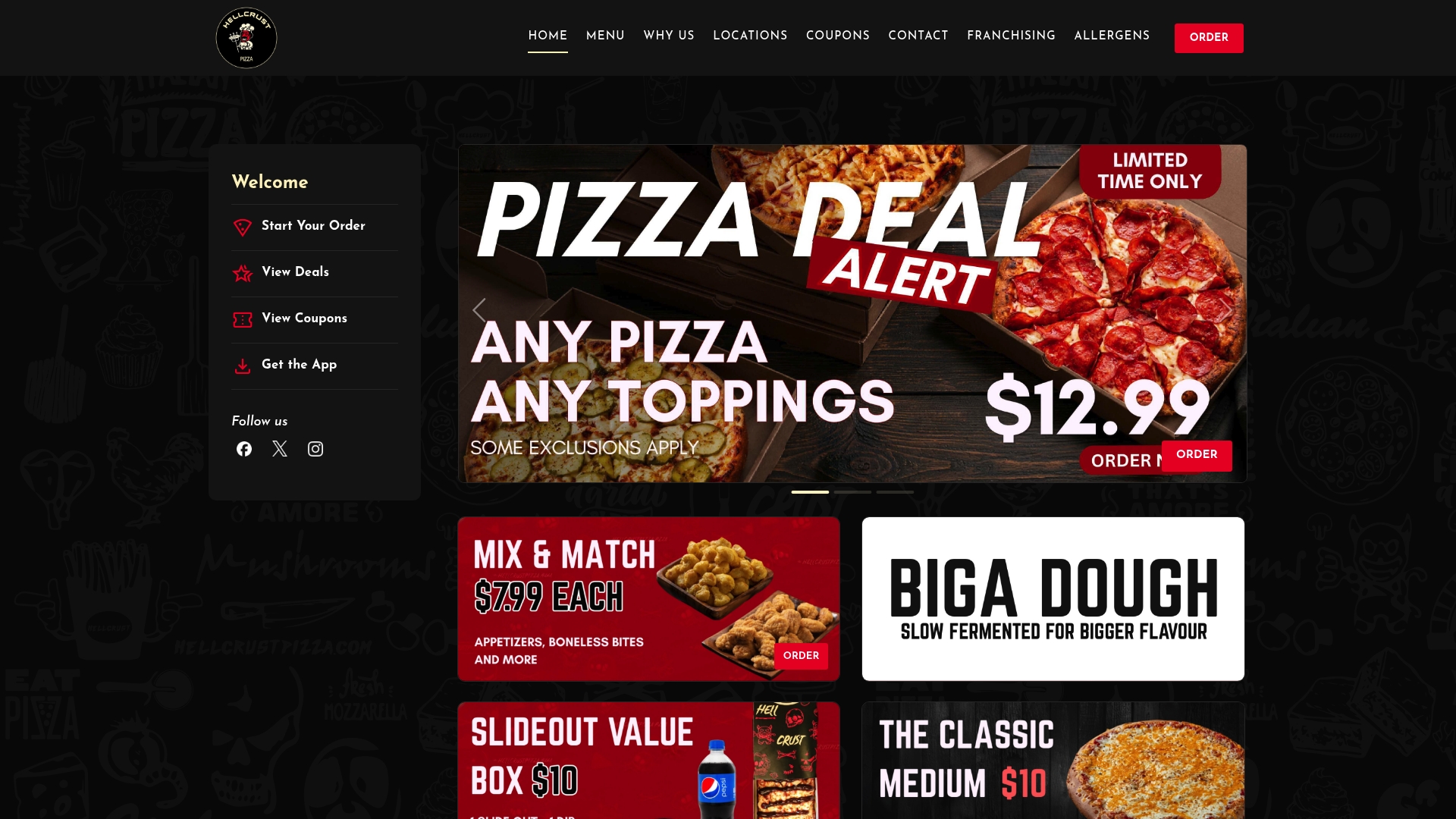
We also run kids' pizza-making experiences in store, which many families book for birthdays, and we offer franchising for entrepreneurs. You can find out more on our home page.
Our view: good pizza deserves a good handoff
We make our dough with a Biga, a preferment prepared in advance, and we use multigrain flour and no artificial additives. We do it because we believe a crust should be wholesome, fibre-rich and easy to enjoy, and because you get what you pay for.
That care shouldn't stop at the oven door. A pickup that's easy to plan, easy to collect and easy to check is part of the same promise. That is why we built our app to make ordering simple, and why we want you to see our deals and order updates without hunting for them.
So we'd ask you to keep a few small habits: order ahead, keep your confirmation close, say your order number, and look in the bag before you go. They take seconds, and they mean the first bite at home is the one you were looking forward to.
Whether it's a quick dinner after work, a casual date night or a table full of kids on a birthday, we want every box to arrive the way you pictured it. Savour it.
jaskirat Singh
FAQ
Do I have to go inside to collect a pickup order?
Not necessarily. Your order confirmation tells you how your location hands over pickup orders, so follow the instructions on it. If it lists a number to call or a pickup area, use them and wait in your vehicle.
How do I turn on app notifications for deals?
First allow notifications for the app in your phone's settings. Then open the app and choose which categories you want, such as order updates and offers. On the phone side, the path is Settings, Apps, then the app, then Notifications on Android, or Settings, Notifications, then the app on iOS.
What should I have ready when I arrive?
Have your order number and your name ready, and keep your phone open on the confirmation. Park where you're directed and stay in the vehicle. Check the bag for every item before you drive off.
Is pickup cheaper than delivery?
Often it is, because you avoid delivery-related charges. Read the total on the app checkout screen before you pay, and see our guide on pickup versus delivery for families for a worked comparison.
What if my order is wrong or incomplete?
Check the bag at the curb and tell the team straight away, with your order number. If you only notice at home, contact the location using the details on your confirmation as soon as you can.
Sources
- How to pickup your order, Alima's Pickup
- How to Manage Your Notifications, Flipp Help Center
- Push Notifications, eBay Canada
- How Does Curbside Pickup Work?, Blue Dot
- Curbside Furniture Pickup: Check Recalls and Insurance in Canada